FTS Computer Repair

Veteran & woman-owned · Florence, Oregon

Whatever you're holding, there's a course for it.

Five plain-English courses that start at the very beginning — no rushing, no jargon, and nothing assumed. Learn at your own pace, in your own home.

These courses can be accessed from any device — phone, tablet, or computer. They are mobile-friendly and app-based.

  • Start from the very beginning
  • Written lessons and video tutorials
  • One-time payment, lifetime access
  • Taught by a real person you can call

Not sure which one you need?

  • If you use a Windows computer or laptopWindows 11 Made Simple
  • If you use an iMac, MacBook or Mac miniMac Made Simple
  • If you use an iPhone or iPadApple Devices Made Easy
  • If you use a Samsung or other Android phoneAndroid Made Easy
  • If you have too many passwords to keep track ofThe Vault Method

Still not sure? Call or text me on (541) 590-2474 and I'll tell you honestly which one fits.

The five courses

Each course is bought on its own page. Pick the one that matches what you use.

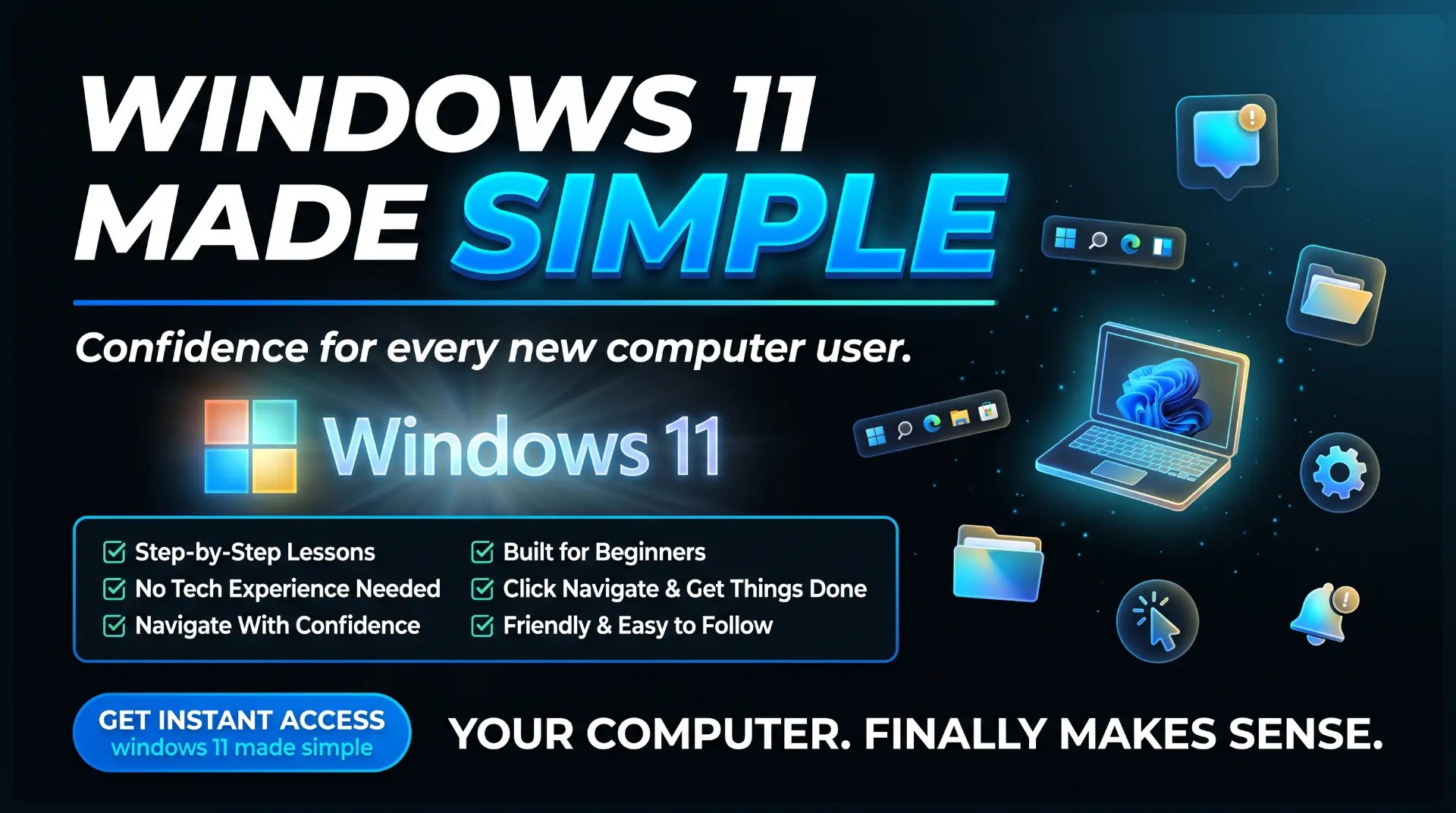
Windows 11 Made Simple course guide

Windows 11 Made Simple

Confidence for every new computer user.

Step-by-step lessons that walk you through your Windows 11 computer from the very beginning — the desktop, files and folders, settings, email, and staying safe online. Nothing is assumed, nothing is rushed.

9 modules · 46 lessons

  • Step-by-step lessons
  • Built for beginners
  • No tech experience needed
  • Click, navigate, and get things done
  • Navigate with confidence
  • Friendly and easy to follow

$97one-time payment

Start learning today
Mac Made Simple course guide

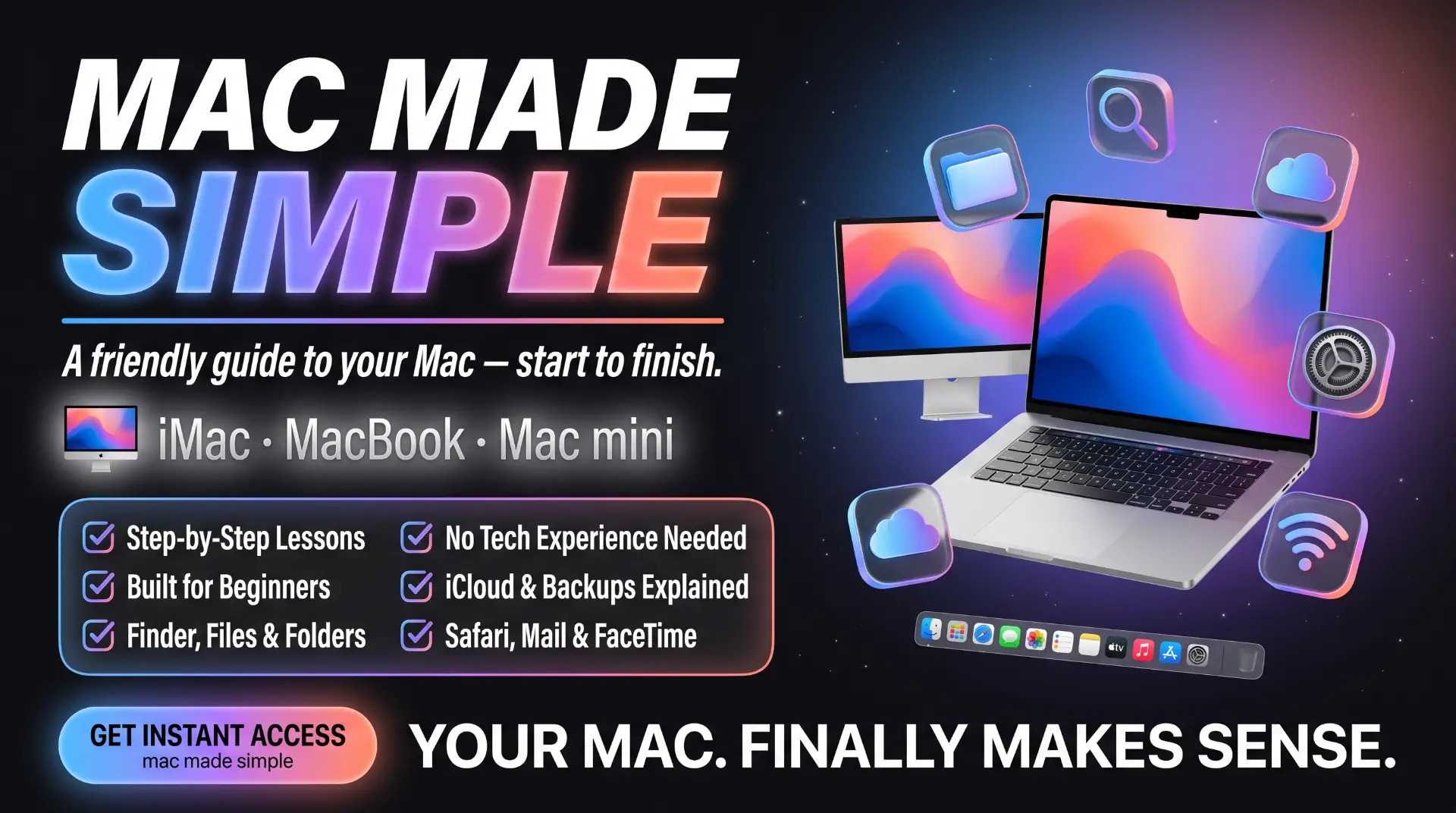
Mac Made Simple

A friendly guide to your Mac — start to finish.

Your iMac, MacBook, or Mac mini finally makes sense — Finder, files and folders, iCloud and backups, Safari, Mail, and FaceTime, all walked through step by step.

9 modules · 47 lessons

  • Step-by-step lessons
  • Built for beginners
  • Finder, files & folders
  • No tech experience needed
  • iCloud & backups explained
  • Safari, Mail & FaceTime

$97one-time payment

Start learning today
Apple Devices Made Easy course guide

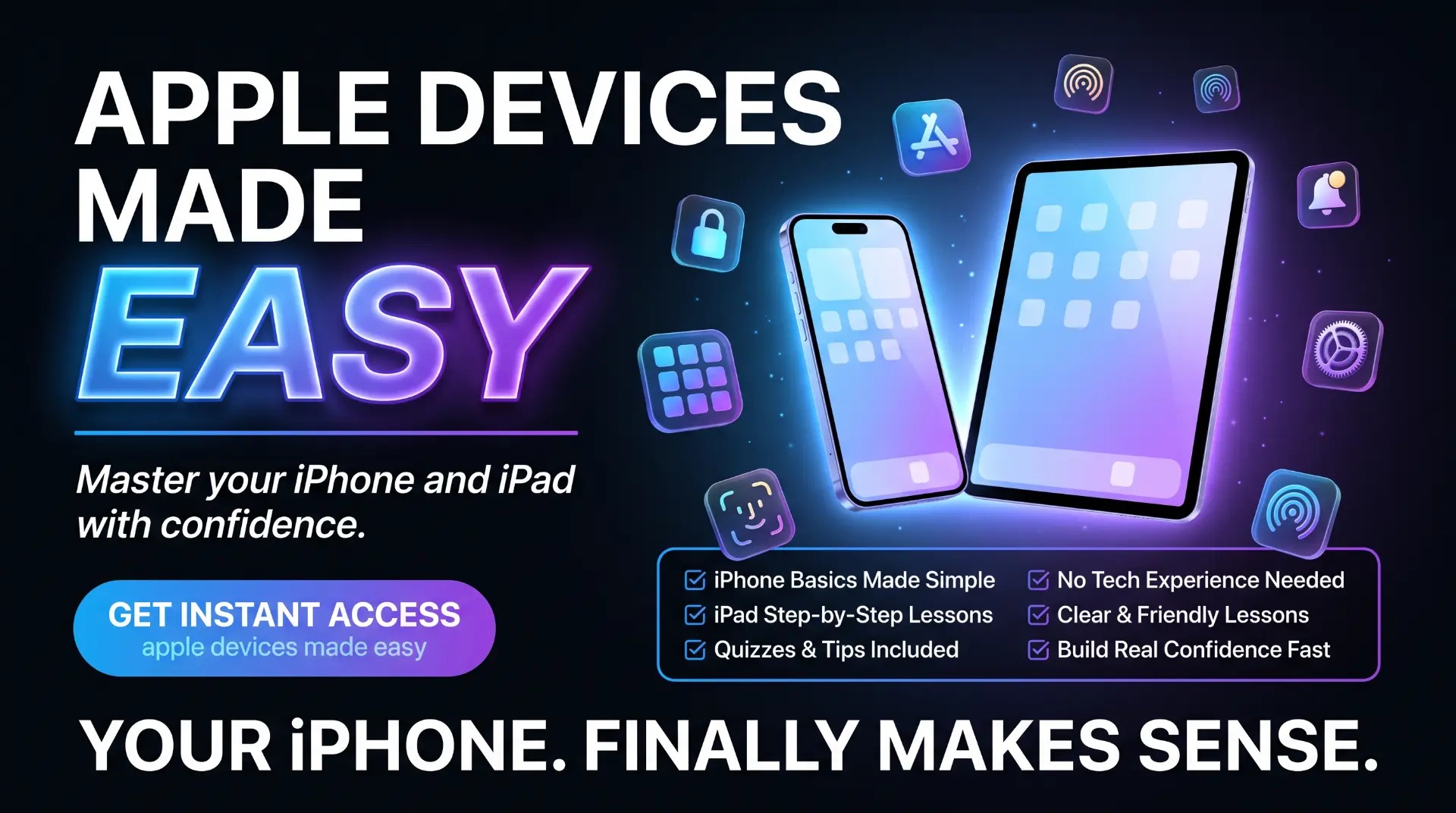
Apple Devices Made Easy

Master your iPhone and iPad with confidence.

Everything you actually use your iPhone and iPad for — photos, messages, FaceTime with the grandkids, apps, storage, and keeping your Apple account secure — explained in plain English.

10 modules · 69 lessons

  • iPhone basics made simple
  • No tech experience needed
  • iPad step-by-step lessons
  • Clear and friendly lessons
  • Quizzes and tips included
  • Build real confidence fast

$97one-time payment

Start learning today
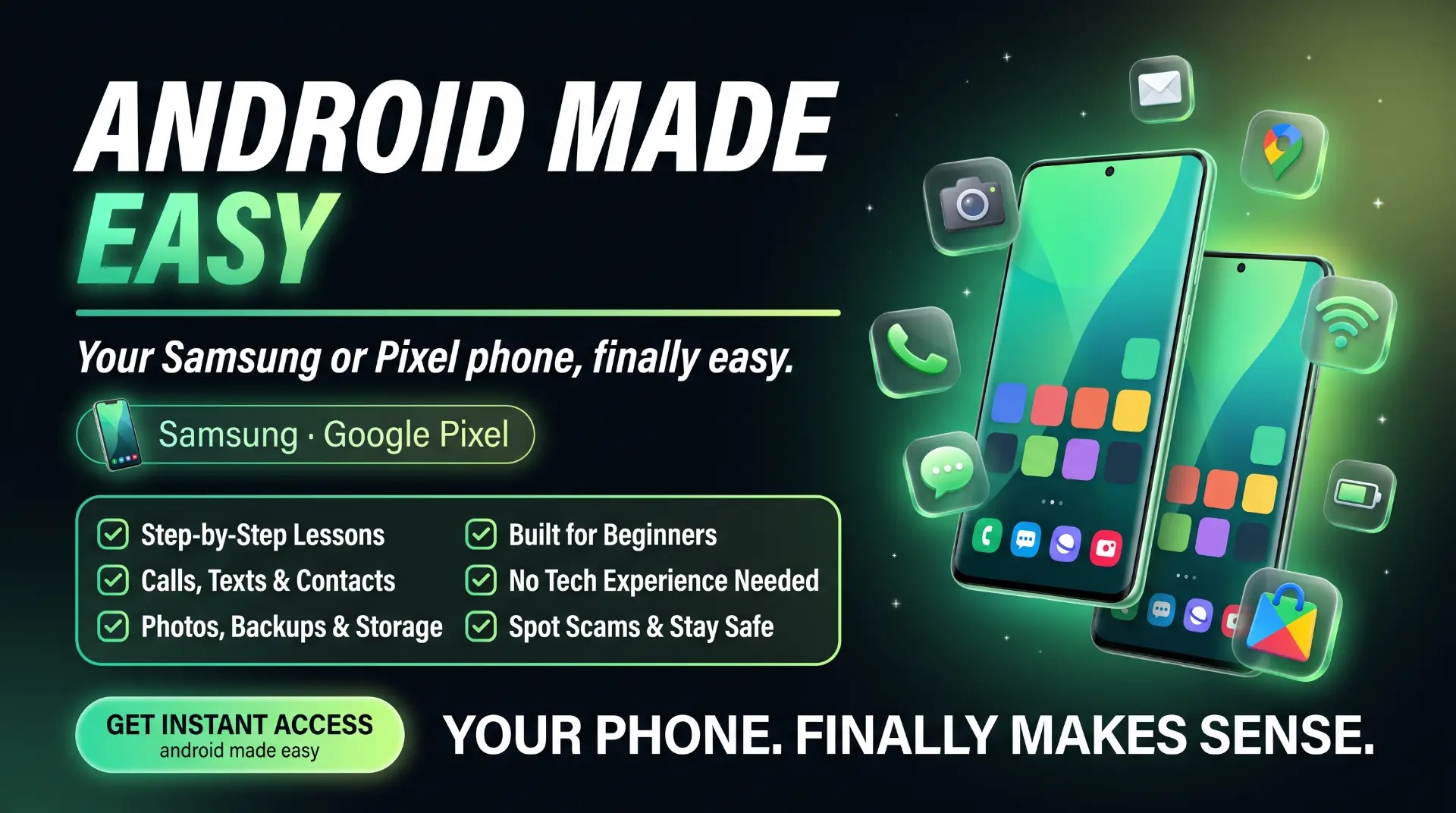
Android Made Easy course guide

Android Made Easy

Your Android phone, finally easy.

Calls, texts, and contacts, photos, backups and storage — plus how to spot scams and stay safe. Made for any Android phone, no tech experience needed.

10 modules · 56 lessons

  • Step-by-step lessons
  • Built for beginners
  • Calls, texts & contacts
  • No tech experience needed
  • Photos, backups & storage
  • Spot scams & stay safe

$97one-time payment

Start learning today

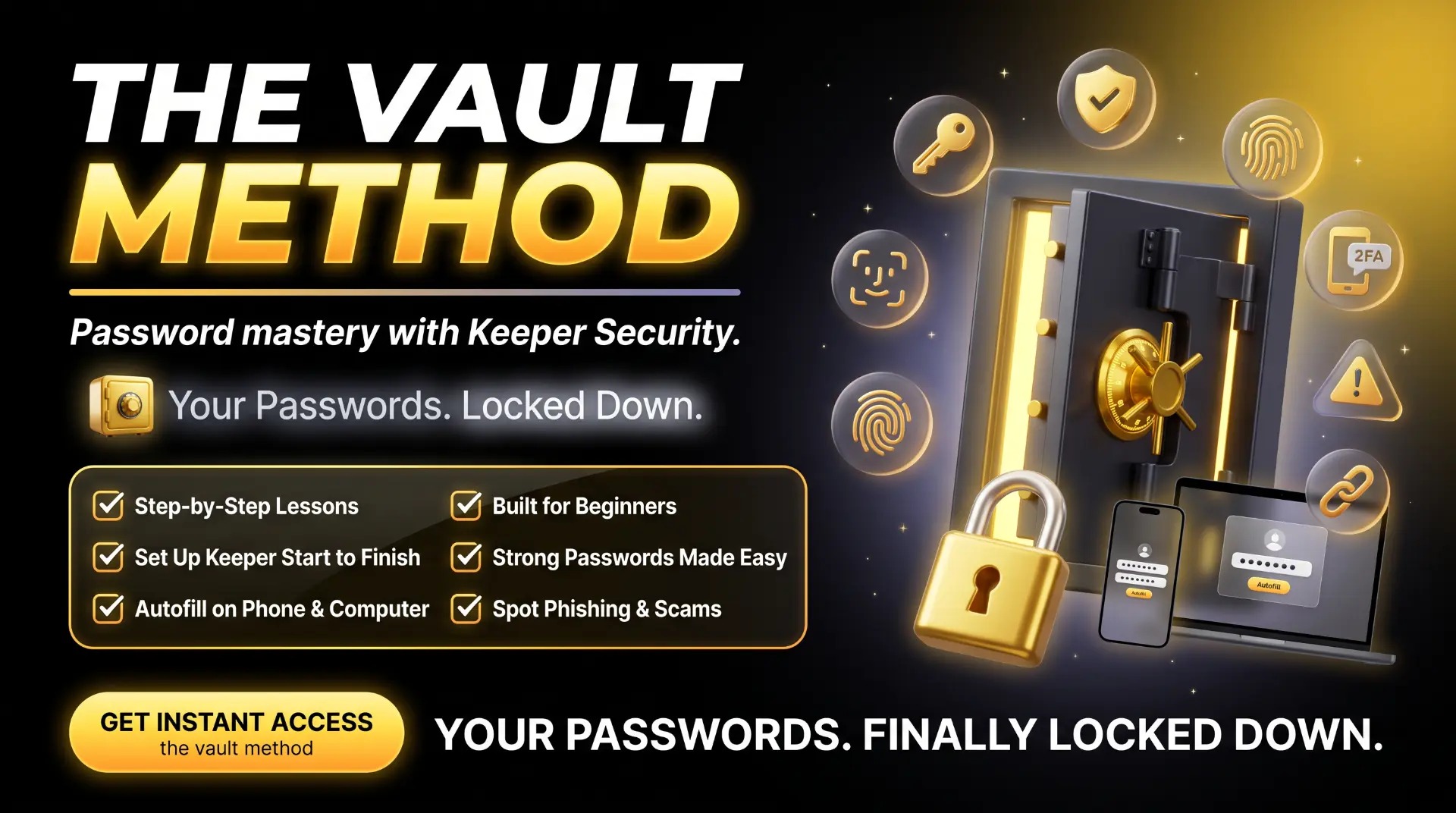
The Vault Method course guide

The Vault Method

Lock down your passwords and spot scams before they strike.

Learn how to create strong passwords, use a password manager, turn on two-factor authentication, and recognize phishing and scam attempts — all in plain English, no tech experience needed.

7 modules · 34 lessons

  • Step-by-step lessons
  • Built for beginners
  • Set up a password manager
  • Strong passwords made easy
  • Autofill on phone & computer
  • Spot phishing & scams

$127one-time payment

Start learning today

What every course includes

  • Written lessons in plain English, with pictures
  • Video tutorials to watch along with
  • One-time payment — no subscription
  • Lifetime access, including future updates
  • Courses grow as the technology changes
  • A feedback box to request the tutorials you want added
Jolene Jo of FTS Computer Repair

Who's teaching you

I'm Jolene Jo of FTS Computer Repair in Florence, Oregon. I have 25+ years of experience in technology and I've been teaching for over 10 years. Most of what's in these courses came straight from the questions my customers ask me every day — which means nothing in them is guessed at, and nothing assumes you already know something. I never talk down to anyone, and we go at your pace.

Would you rather learn one-on-one?

Sometimes it's easier when someone sits beside you. We offer one-on-one tutoring in person at the shop. Click the button below to book a day and time that works for you.

Questions people ask

Which course should I buy?

It depends on what you use. If you have a Windows computer or laptop, start with Windows 11 Made Simple. If you have an iMac, MacBook or Mac mini, choose Mac Made Simple. If you have an iPhone or iPad, choose Apple Devices Made Easy. If you have a Samsung or other Android phone, choose Android Made Easy. And if you have too many passwords to keep track of, The Vault Method is the one. If you're still unsure, call or text me on (541) 590-2474 and I'll tell you honestly which one fits.

Can I buy more than one?

Yes. Each course is bought separately and each one is yours for life. Many people start with their computer and add their phone later.

How do I get in after I pay?

You'll get a link to create your own account with a username and password you choose. Access is granted within 24 hours of your payment being confirmed. Write your username and password down somewhere safe. An account can only be signed in on one device at a time.

Do I need to finish it in a certain time?

No. Lifetime access. Work through it as slowly as you like and come back to any lesson whenever you need it.

What if I get stuck?

If you'd like one-to-one help or in-store tutoring and you're local to Florence, Oregon, book at www.ftscomputerrepair.com. If you're out of the area, email or text (541) 590-2474 for phone support.

Can I get a refund?

Because these are digital products, there are no refunds once access has been granted. If you're not sure a course is the right fit, please ask first and I'll tell you honestly.

Start with the one you use most.

You don't have to learn everything at once. Pick the device that's giving you the most trouble and start there.